
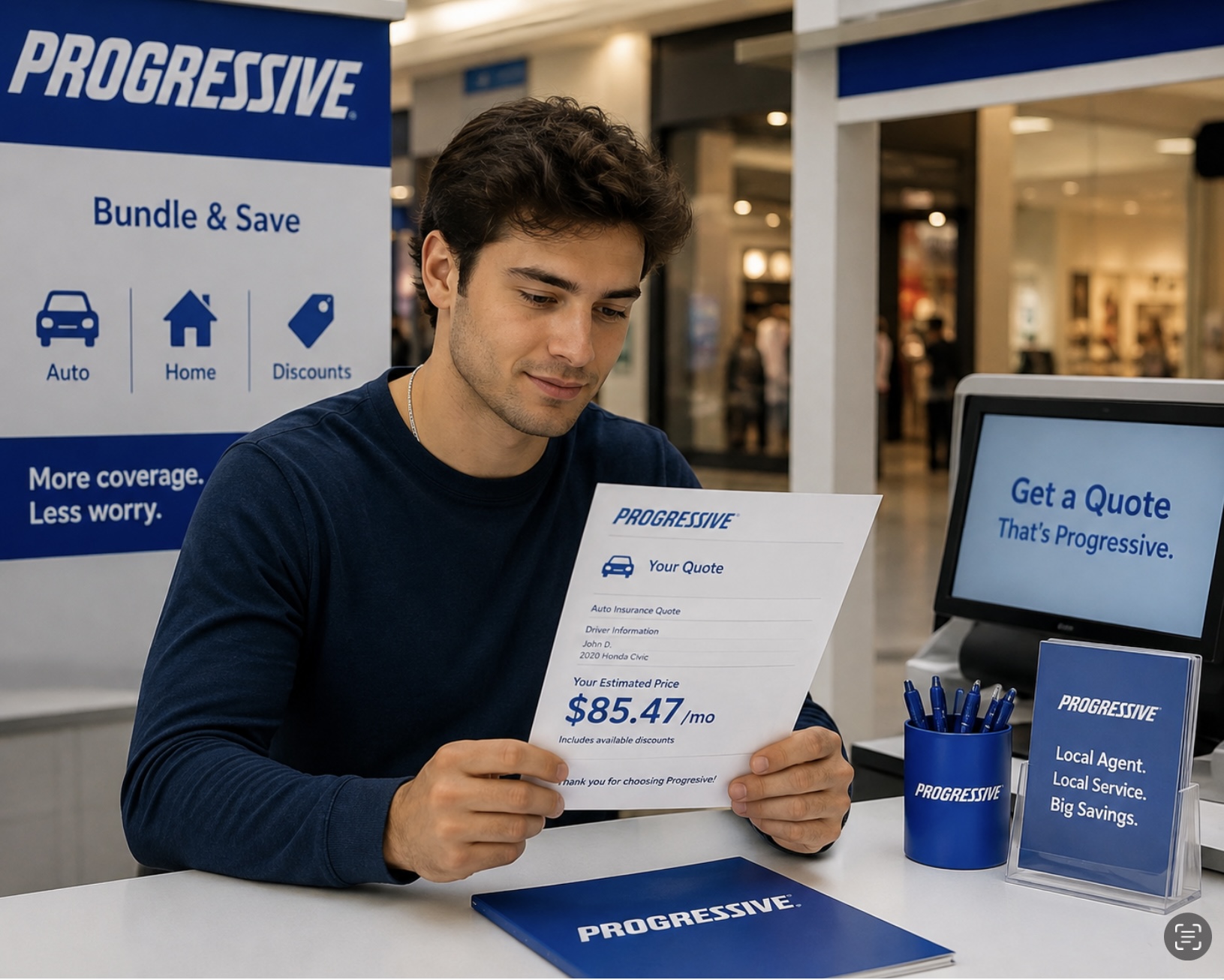
If you recently started an insurance application but weren't ready to finish, a Progressive saved quote makes it easy to pick up where you left off. Instead of starting over, you can access your saved information, review your coverage choices, and complete your purchase whenever it's convenient.
Whether you're shopping for auto, home, renters, or another type of insurance, understanding how saved quotes work can save you time and help you make a more informed decision.
What Is a Progressive Saved Quote?
A Progressive saved quote is a quote you've already started but haven't finalized. It stores the information you entered during the quoting process, allowing you to return later without re-entering all your details.
This feature is especially useful if you need more time to compare prices, discuss coverage with family members, or gather additional information before purchasing a policy.
Benefits of Using a Saved Quote
Save Time
There's no need to restart your application from scratch. Your previously entered information is already saved, making the process much faster.
Compare Coverage Options
A saved quote gives you the opportunity to review different coverage levels, deductibles, and optional protections before making your final decision.
Shop at Your Own Pace
Insurance is an important financial decision. A saved quote lets you take your time and avoid feeling rushed into purchasing a policy.
Update Information Easily
If your circumstances have changed, such as buying a new vehicle or moving to a new address, you can update your information before completing your purchase.
How to Access Your Progressive Saved Quote
Retrieving your saved quote is typically simple:
-
Visit the Progressive website.
-
Select the option to retrieve or continue a saved quote.
-
Enter the requested information, such as your quote number or personal details.
-
Review your saved information.
-
Make any necessary updates and complete your purchase if you're ready.
Tips Before Finalizing Your Policy
Before purchasing insurance, consider the following:
-
Double-check that all personal information is accurate.
-
Compare deductibles and coverage limits.
-
Review available discounts.
-
Make sure the policy fits your current insurance needs and budget.
Why Reviewing Your Saved Quote Matters
Insurance needs can change over time. Reviewing your saved quote before completing your purchase helps ensure you're getting the right protection at a competitive price. Even small adjustments to your coverage can make a difference in both your premium and your financial protection.
A Progressive saved quote offers a convenient way to continue your insurance shopping without starting over. It allows you to review your options, update your information if needed, and confidently choose the coverage that best fits your lifestyle and budget.
Taking a few extra minutes to review your quote today can help you make a smarter insurance decision for the future.